
How to Claim a Profile on FitOcala: Step-by-Step Guide
- 0 comments
- 5 months ago
- Local Business Tips
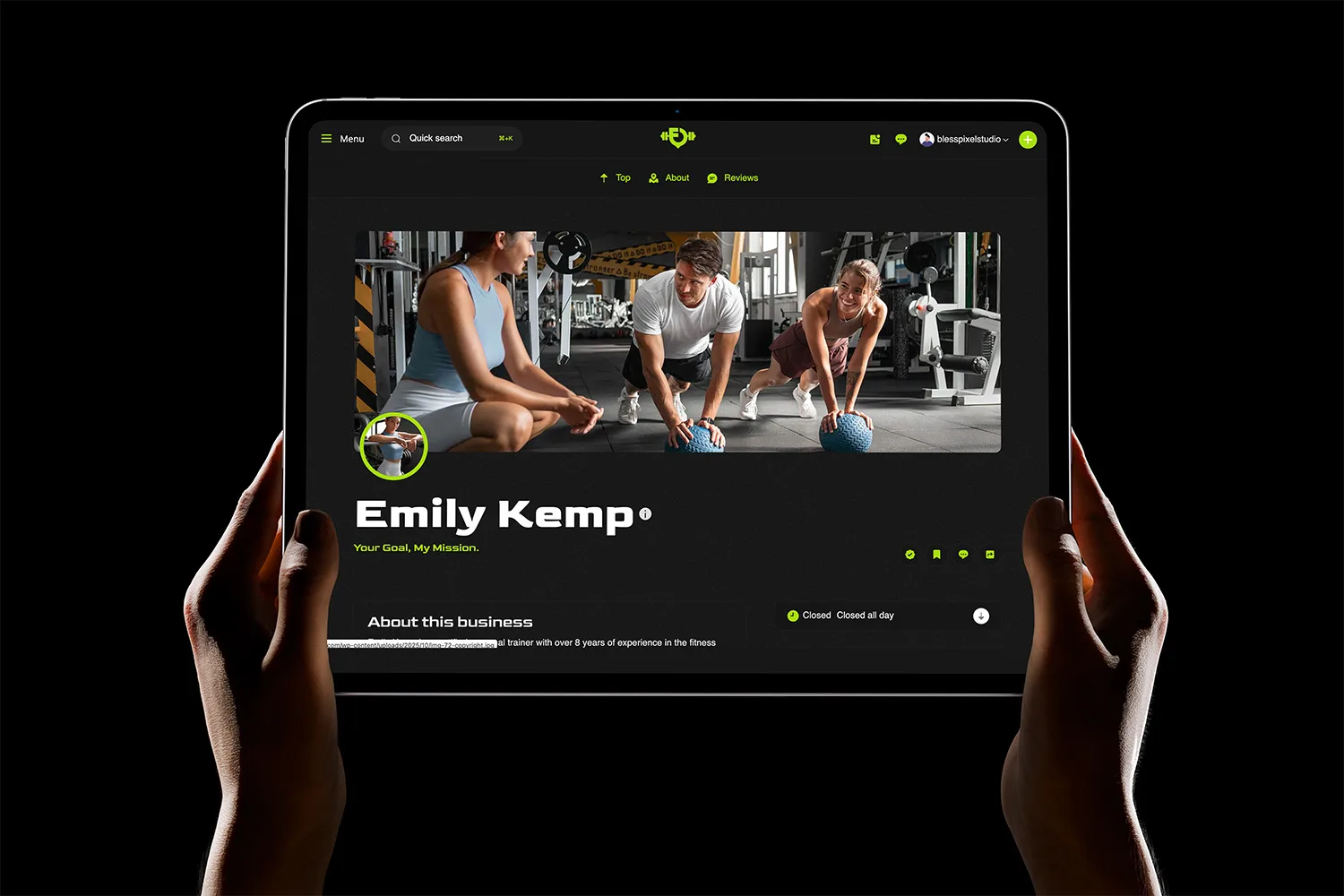
If your business or fitness service already appears on Ocala Fitness, the next step is to claim your listing. By claiming your profile, you gain control of your information, branding, and visibility—helping you connect with more clients in the Ocala area.
In this quick tutorial, we’ll walk you through the process of claiming your listing and what to expect after.
Step 1: Go to Your Profile
Search for your business or trainer profile on FitOcala. Once you find it, open the page. On the profile, you’ll see a button that says Claim Listing. Click it to begin the process.
Step 2: Register an Account
If you don’t have an account yet, the platform will ask you to create one. You have two options:
- Register manually with your email and basic information.
- Sign up quickly using your Google or Facebook account.
This ensures your profile is connected to a verified account, keeping your information secure.
Step 3: Submit the Claim
Once logged in, you can proceed with your claim request. The system will guide you to a payment section.
- A small fee is required to claim your listing.
- This claim is valid for 60 days, giving you full access to manage and customize your profile.
Step 4: Choose a Subscription Plan After 60 Days
After the 30-day claim period ends, you’ll need to select one of our three subscription packages to continue managing your listing:
- Basic Plan – Perfect for keeping your business visible with essential features.
- Advanced Plan – Boosts your exposure with added promotion and SEO tools.
- Premium Plan – Offers maximum visibility, featured listings, and priority placement.
These plans are designed to fit businesses of all sizes, from solo trainers to large fitness centers.
Why Claiming Your Listing Matters
By claiming your profile on FitOcala, you:
- Take control of your business information.
- Add photos, videos, and promotions.
- Increase your local visibility.
- Build trust with clients looking for verified fitness professionals and businesses.
Final Thoughts
Claiming your profile on FitOcala is simple, fast, and one of the best ways to stand out in the growing Ocala fitness community. Start today by clicking Claim Listing on your profile and unlock the full potential of your business online.